Switching field service software without starting from scratch
When you switch field service software, your data is migrated, your teams are trained, and a dedicated project manager oversees the transition from start to finish. This ensures a secure software transition.
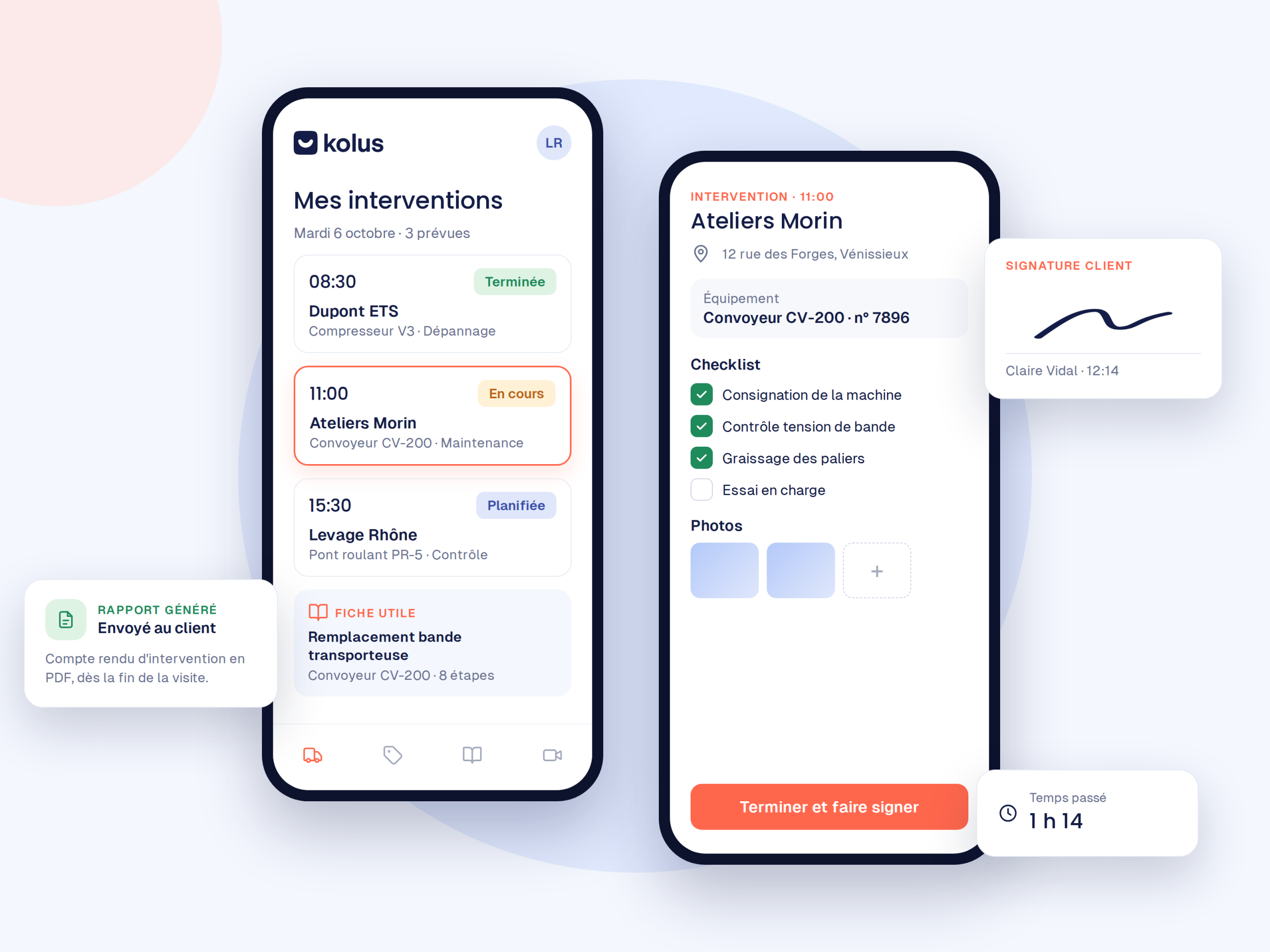


Why industrial companies change their field service tool
Functional limits that hinder productivity and also degrade the customer experience.
The tool only covers field operations
No incoming request management or video assistance, therefore no upstream pre-qualification of breakdowns.
Rejection by technicians
A mobile app that is too rigid, complex, and slow, which discourages field teams.
No communication with the ERP
Isolated data that requires re-entering hours, clients, and consumed parts.
Unable to keep up with your growth
Finally, rigid software that fails to adapt to your new markets, branches, or client requirements.
Three situations, three custom paths
Choose the approach tailored to your starting point.
You manage using Excel or paper
Make a smooth transition to digital through comprehensive support and tailored training.
You have scheduling tools
Keep your current schedule and add Kolus for service ticketing (video assistance included) and knowledge capitalization.
You are replacing your software
Modernize your entire field service chain through a suite connected to your ERP.
How does the transition to Kolus work?
Methodical support led by a dedicated project manager to secure every milestone.
Scoping
First, an analysis of your organization, validation of ERP workflows, and a deployment schedule.
Configuration
Next, complete configuration of Kolus and full migration of your historical data.
Training
Then, targeted practical sessions for office managers and field technicians.
Deployment
Finally, a secure go-live with enhanced assistance from your project manager.
Your data belongs to you: indeed, the European Data Act regulates corporate data portability and requires your current software provider to return all your databases in a standard and usable format.
Frequently asked questions
What happens to our current data?
Your clients, equipment base, and service history are migrated and then integrated into Kolus during the setup phase.
Do we have to change everything at once?
No. You can proceed step by step, for example by starting with service ticketing and its video assistance before switching field schedules.
Who supports us during the migration?
A dedicated project manager at Kolus guides you through every step, from initial scoping to field adoption.
Does Kolus connect to our ERP?
Yes:Sage, SAP, Odoo, Microsoft Dynamics, Business Central, Codial, and OpenProd.