Field Service on Excel or Paper:What You Gain with Software
Field service on Excel and paper works, until the day a work order is lost or an emergency ruins the schedule. Discover when and how to make the switch.



When Excel still works
Few service calls per week, always the same clients and equipment, and a single person handling all scheduling. In this case, keep using it.
The 4 signs that field service on Excel and paper is no longer enough
When volume grows, manual methods become a source of wasted time and lost revenue.
Lost or illegible work orders
Stained or misplaced carbon copies that delay or even prevent the invoicing of service calls.
No machine history
It becomes impossible to know which parts were replaced during previous visits without going through binders.
Rigid schedule when facing emergencies
A shared spreadsheet gets out of sync and falls apart at the slightest repair emergency.
Technicians overwhelmed by data entry
Your technicians also spend their evenings re-entering reports instead of helping your clients.
Excel & Paper vs Kolus
What actually changes on a daily basis for your teams and your clients.
| Management via Excel and paper | With the Kolus Software Suite |
|---|---|
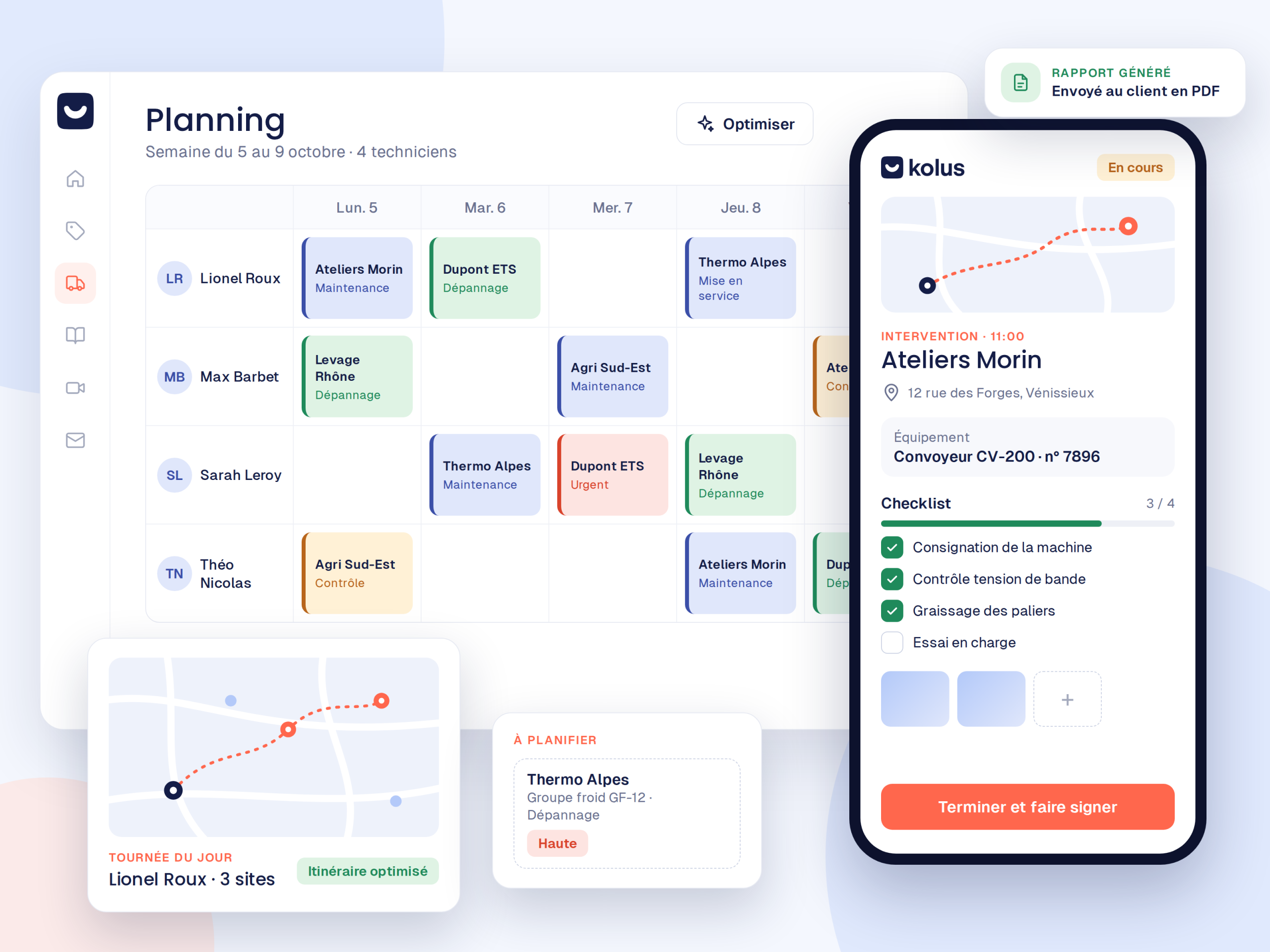
| Creased paper work orders that need to be manually re-entered at the office | Digital reports signed on a smartphone and archived in real time |
| Reports written from memory in the evening or on weekends | Voice-dictated reports on-site, formatted by AI |
| Schedule stuck in a shared file that quickly becomes outdated | Dynamic interactive map with assignment suggestions and route planning |
| Equipment history that must be pieced together from paper files | Complete equipment profile linked to each machine and serial number |
| Manual re-entry of hours and parts for ERP invoicing | Reports and spare parts sent directly to your ERP |
You do not start from scratch
A dedicated project manager supports you step by step to facilitate adoption by your teams.
Scoping
First, we analyze your habits and customize your service call templates.
Configuration
Next, we import your current Excel files:customers, machine inventory, and items.
Training
Then, you receive guided training for the office and an intuitive mobile app for the field.
Deployment
Finally, you launch smoothly with your project manager by your side during the first few days.
Frequently asked questions
Can we reuse our existing Excel files?
Yes. Importing and cleaning up your customer and equipment files is part of our support.
Where should you start?
You can start with a single module:such as ticketing or field service:and then deploy the rest gradually.
Our technicians are not comfortable with computers:what should we do?
The mobile app was designed for the field:reports are voice-dictated, and AI writes them. There is no complex typing required.
Does Kolus connect to our ERP?
Yes:Sage, SAP, Odoo, Microsoft Dynamics, Business Central, Codial, and OpenProd.