



Field Service and FSM Software for Machine Manufacturers, Distributors, and Rental Companies
Diagnose.
Schedule.
Service.
The field service software powered by AI.
A modular software suite dedicated to industrial field service, Kolus allows you to activate the modules best suited to your organization first or deploy the complete suite directly, connected to your ERP.












Three modules. Deploy according to your priorities.
Kolus adapts to your business processes. Each module addresses a key challenge in your field service.
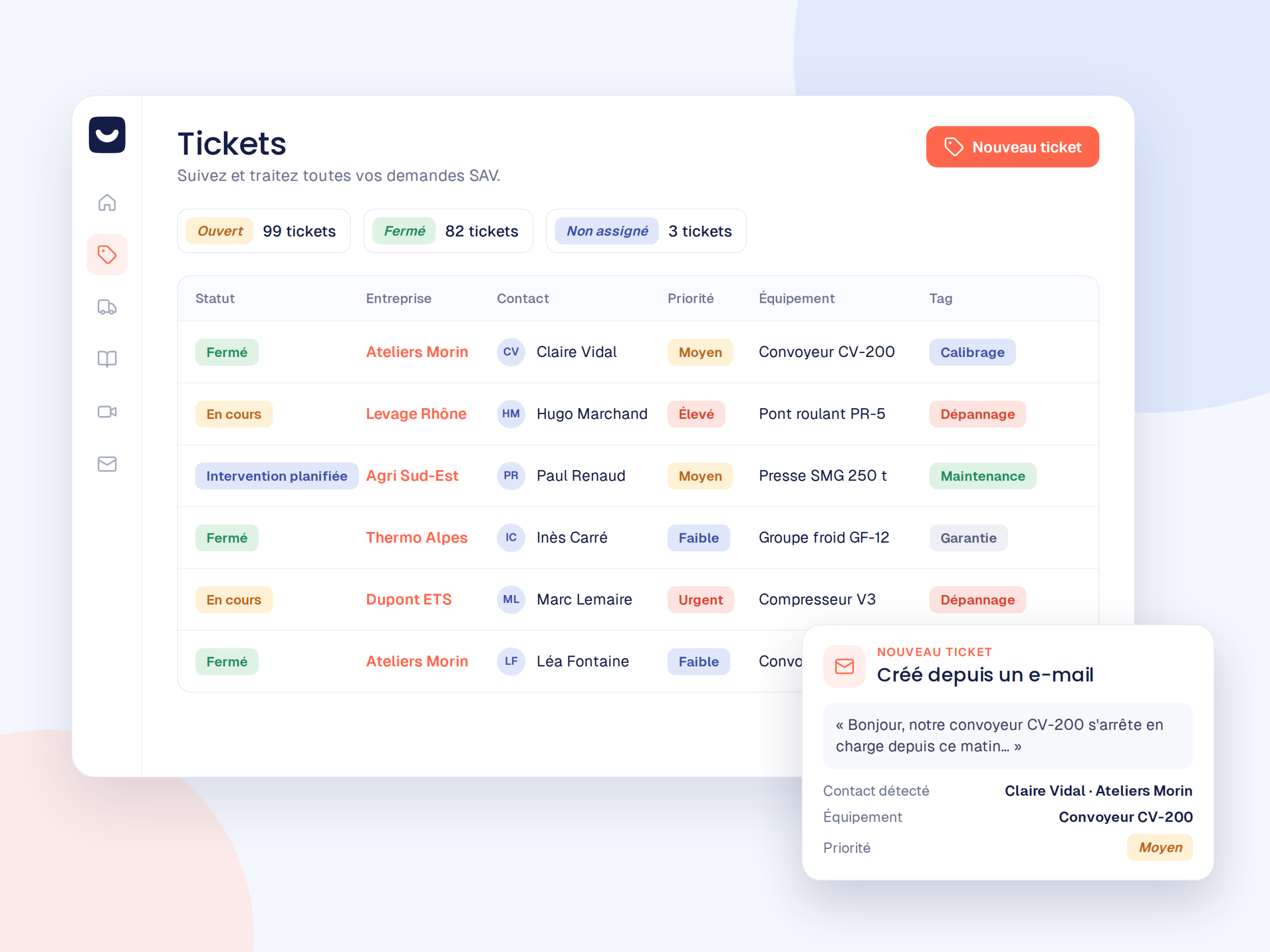
Every request centralizes all communications.
Each customer request becomes a tracked ticket. With included video assistance, you can also see the breakdown before dispatching a technician.
Discover service ticketing →Discover video assistance →
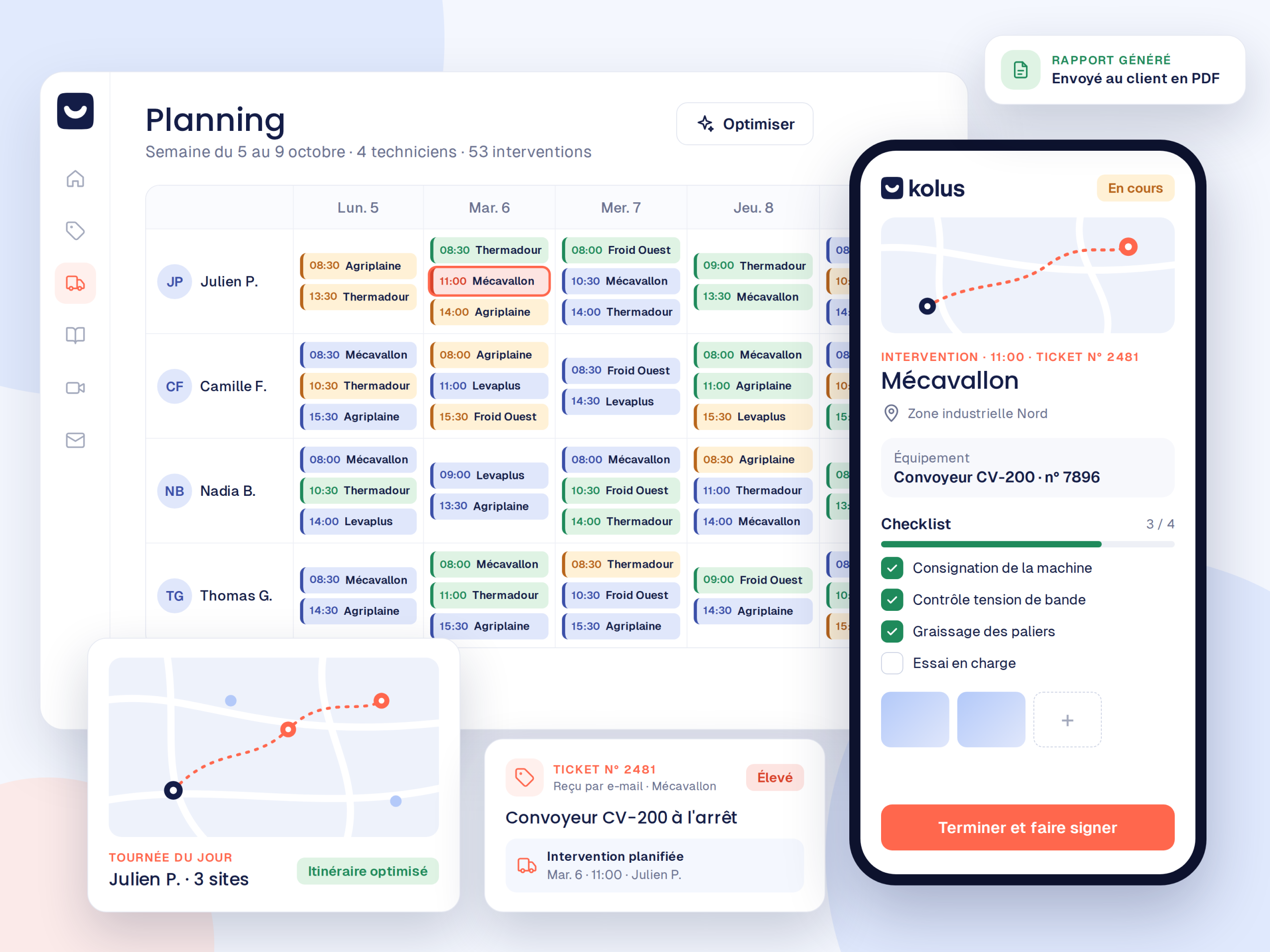
Plan, service, report.
First, the schedule and map help you assign the right technician. Then, the mobile app works offline. Finally, AI writes the work order report from a simple voice note, and the client signs it on site.
Discover field service management →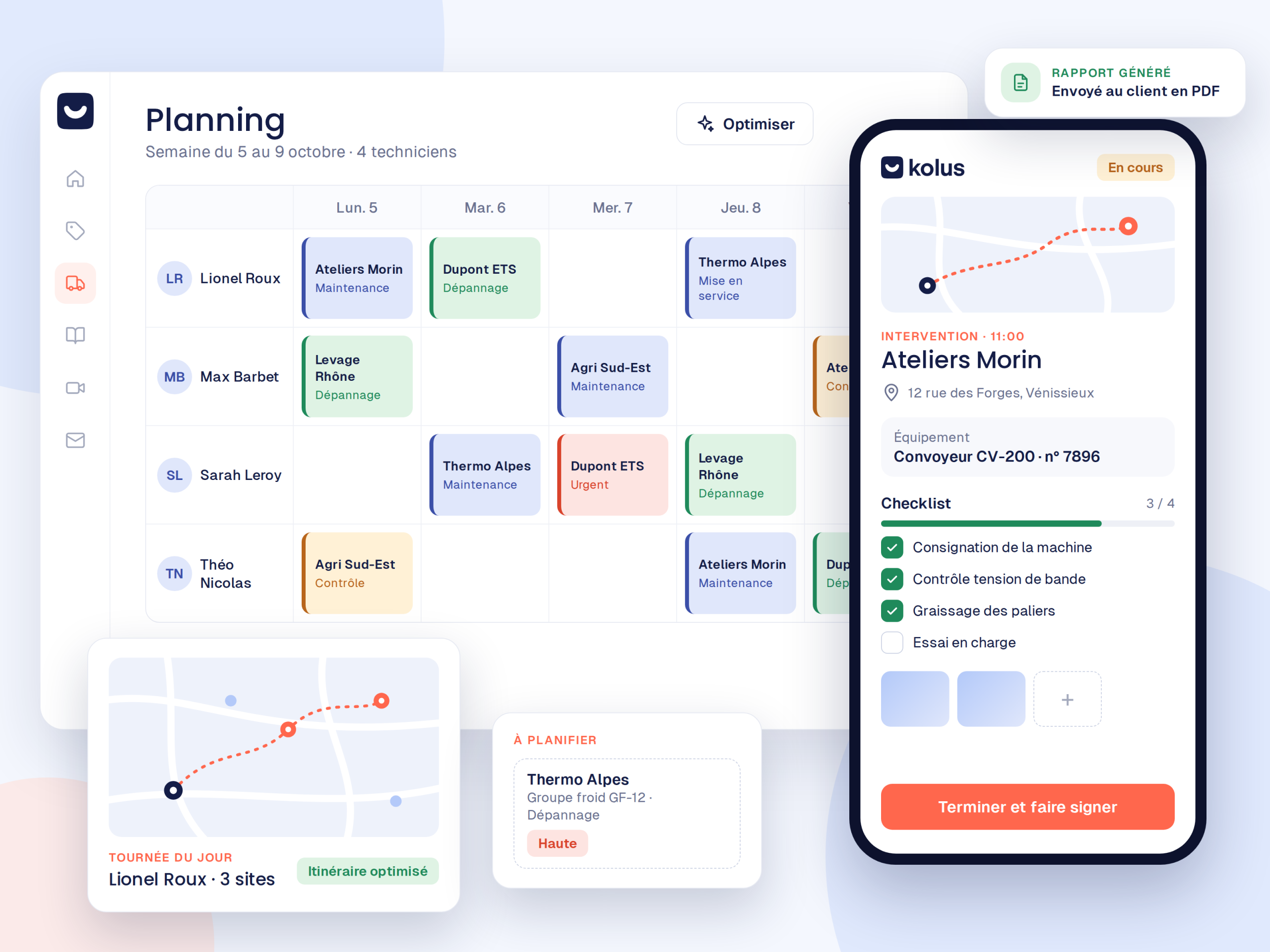
Your technicians' know-how stays with you.
When your experienced technicians leave, their solutions leave with them. That is why Kolus captures their feedback via voice note and photo, and the AI turns it into reusable troubleshooting guides linked to each machine.
Discover knowledge management →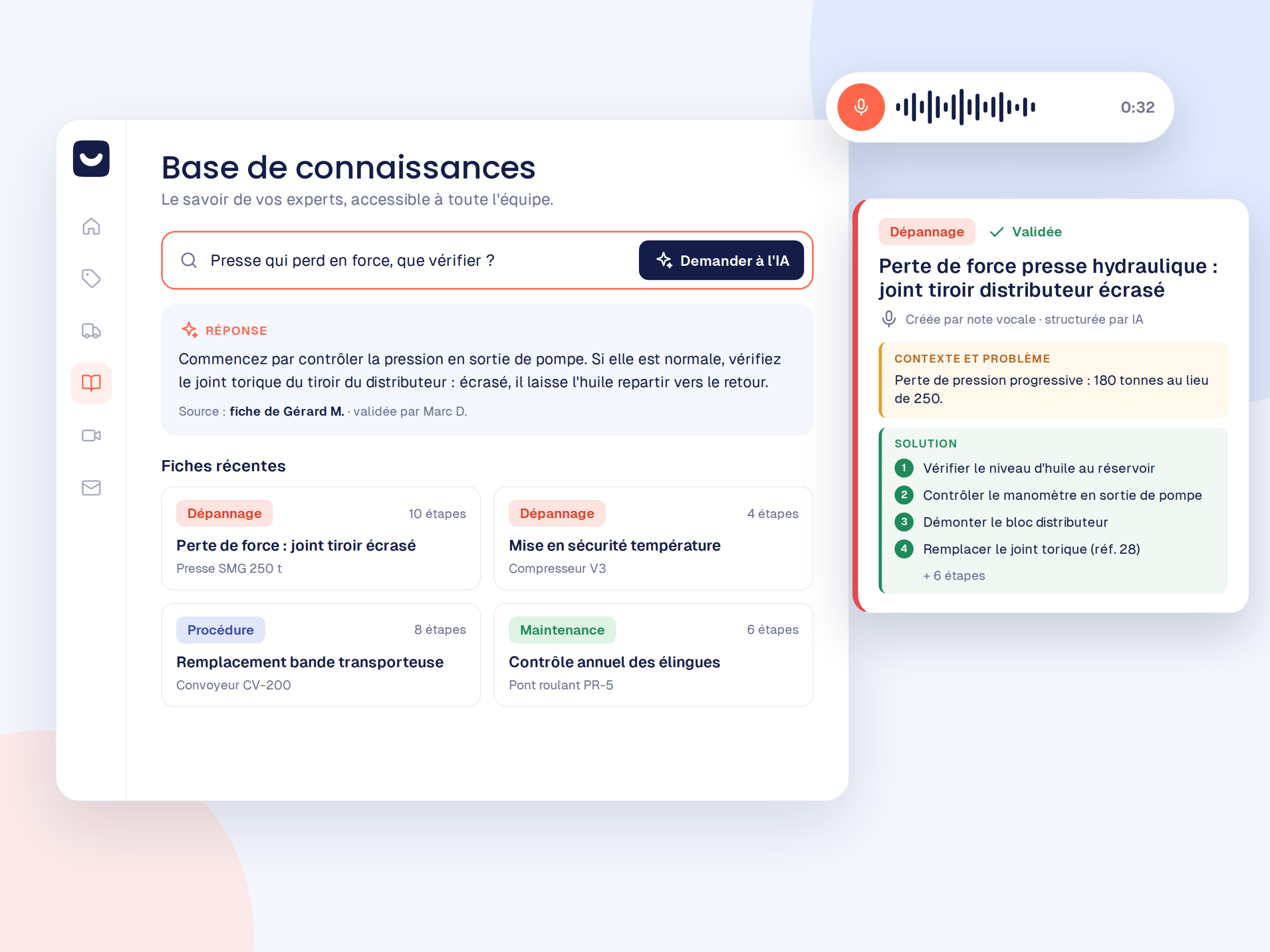
Connectable to your ERP and other business tools
Do you already have a tool to schedule your service calls or manage your billing? Keep it. Kolus integrates with your existing software to centralize your data without disruption or double entry.








Field service software success begins with field adoption.
This is why a Kolus project manager supports you from scoping until your technicians use it naturally on a daily basis.
Scoping
First, we analyze your field service processes, your priorities, and the module to launch first.
Configuration
Next, we integrate your machine park, your customers, and your reports, followed by ERP synchronization.
Training
Then your inside staff and technicians learn to use the tool with their actual service call cases.
Deployment
Finally, the rollout is gradual, with close adoption monitoring after launch.
“Before Kolus, we used an Excel spreadsheet with zero traceability. Today, traceability is at 90%, and video diagnostics have saved us 70 trips. It is an extraordinary benefit for our technicians.”

“The search for a solution to support our customers and technicians during troubleshooting led us to Kolus. Ease of use represents a real step forward.”

“Even when I’m not there, the know-how doesn’t disappear: the procedure, the photo, the history: everything is accessible in the tool. It’s an essential safeguard for our technicians’ autonomy.”

“Kolus made it possible to target our customers' problems precisely. We have significantly reduced calls to our technicians, allowing them to focus on high-value service calls.”

“Centralizing requests and history by equipment allows our inside and field teams to work with the same level of information on each bottling line.”

“Kolus provides us with essential rigor and traceability in tracking our deployments and daily technical service calls.”

Kolus for your industry
The same software adapts to your machines and your field organization.
Frequently asked questions
What is Kolus and who is it for?
Kolus brings together customer requests, field service calls and machine fleets. It is designed for manufacturers, distributors, rental companies and technical maintenance providers (construction, material handling, agriculture, HVAC, industry).
Can we start with a single module?
Yes. Field service management, service ticketing (video assistance included), and knowledge management each operate independently. You start with your priority, then add the others at your own pace.
Does Kolus replace our ERP?
No. On the contrary, Kolus synchronizes with them (Sage, SAP, Odoo, Microsoft Dynamics, etc.) to exchange customers, machines, items, and field reports. This brings the field service specialization that the ERP lacks.
How does the onboarding process work?
A dedicated project manager first handles scoping, followed by configuration, training on your actual cases, and tracking adoption in the field. Ongoing support is also included.
Kolus Is it a " FSM " program?
Yes. Kolus is an field service software solution, and FSM (Field Service Management) schedules service calls, equips technicians with a mobile app, and generates reports.